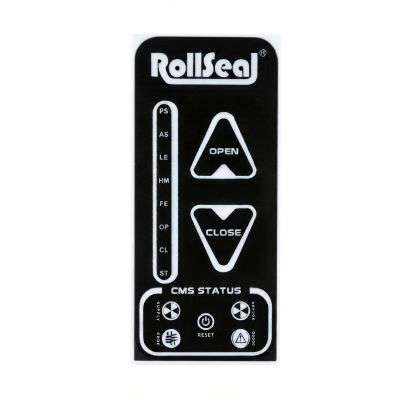
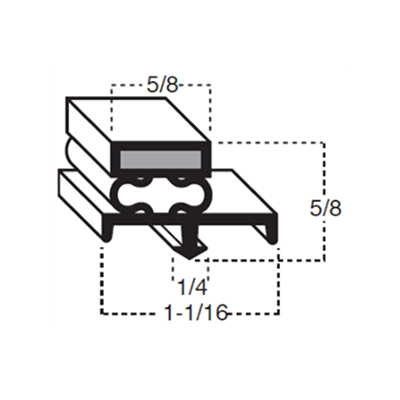
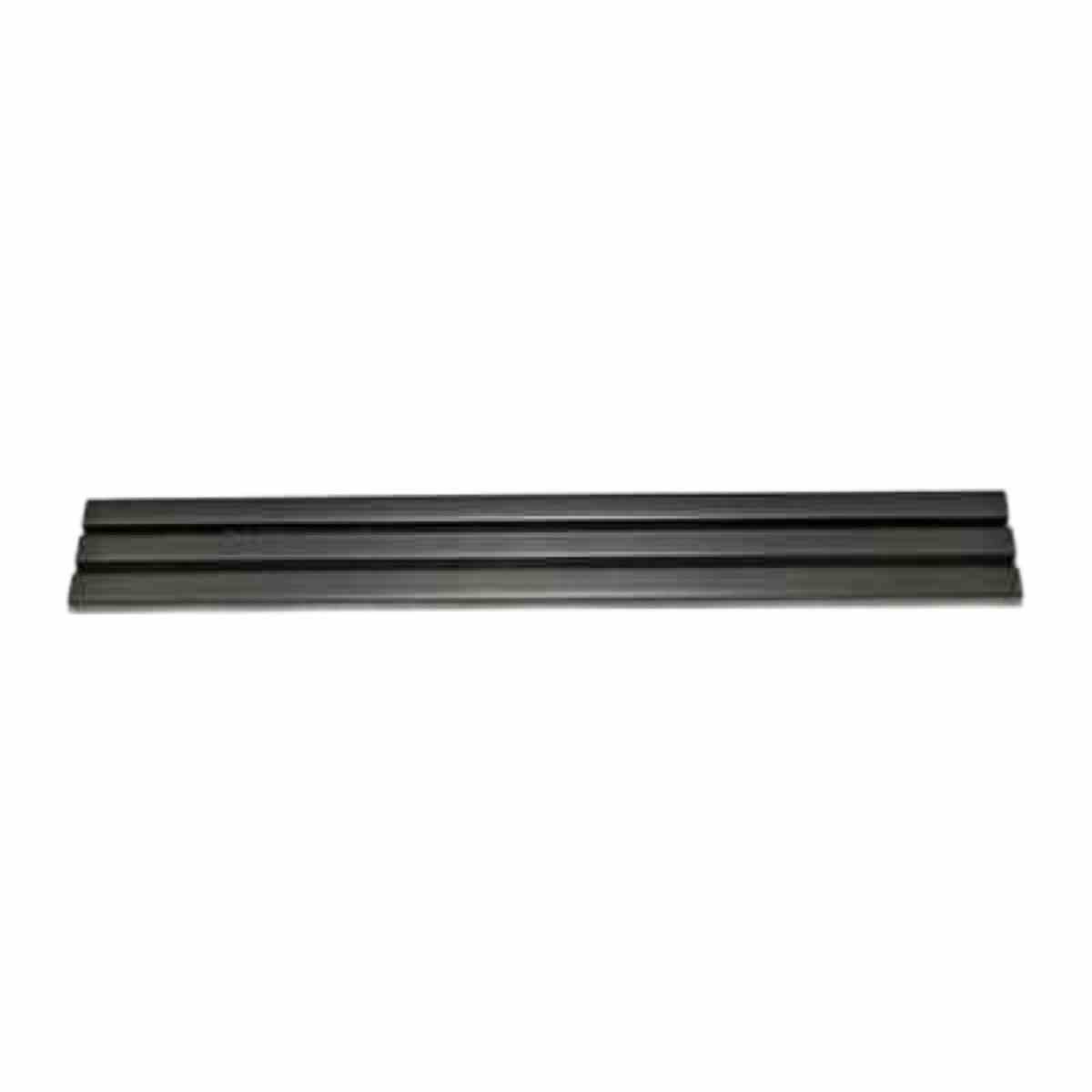
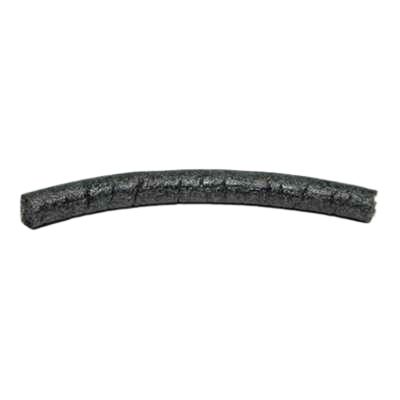
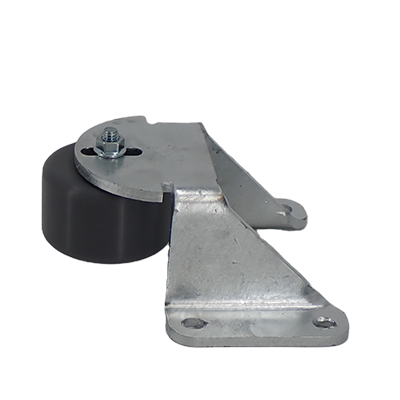
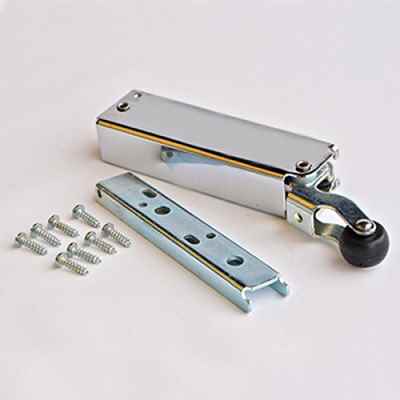
RollSeal - Replacement Label - Door Switch
Step-by-step guide - 4501-6163
- Locate the switch
- For RS500 WIC doors, the switch is prewired and mounted on the door frame or head unit.
- Identify the switch by its position (front or interior) and terminal connections RollSeal Doors.
2. Power off and disconnect
- Turn off the power to the door system at the main supply.
- Disconnect the switch from the wiring harness or mounting bracket.
3. Remove the old label
- Use a small flathead screwdriver or label remover tool to gently peel off the existing label.
- Avoid damaging the adhesive backing so you can reattach the new label cleanly.
4. Prepare the new label
- Obtain a replacement label from RollSeal or a compatible supplier.
- Ensure it matches the switch model and terminal configuration.
5. Attach the new label
- Align the label with the switch’s markings or mounting points.
- Press firmly to ensure good adhesion.
- If needed, use a small amount of adhesive to secure it in place.
6. Reconnect and test
- Reconnect the switch to the wiring harness or mounting bracket.
- Restore power and test the switch operation to confirm it works correctly.
No Reviews Submitted On This Product Yet.